
Practical, no-hype writing about how the PDF format actually works — and where it can bite you. I take apart PDF internals (what really happens when a file is converted to Word, how far the format can be pushed) and, above all, PDF security: how malicious PDF files are built, how encrypted documents are attacked, what metadata quietly leaks from your files, and how much digital signatures are really worth. Everything here follows the same principle as the app itself: your files stay on your computer. No affiliate links, no cloud upsell — just what I learn while building an offline PDF toolkit.
Converting a PDF to Word is guesswork by design — the format throws away the information Word needs. Here's why layouts break, when conversion will simply fail, and how to get the best result.
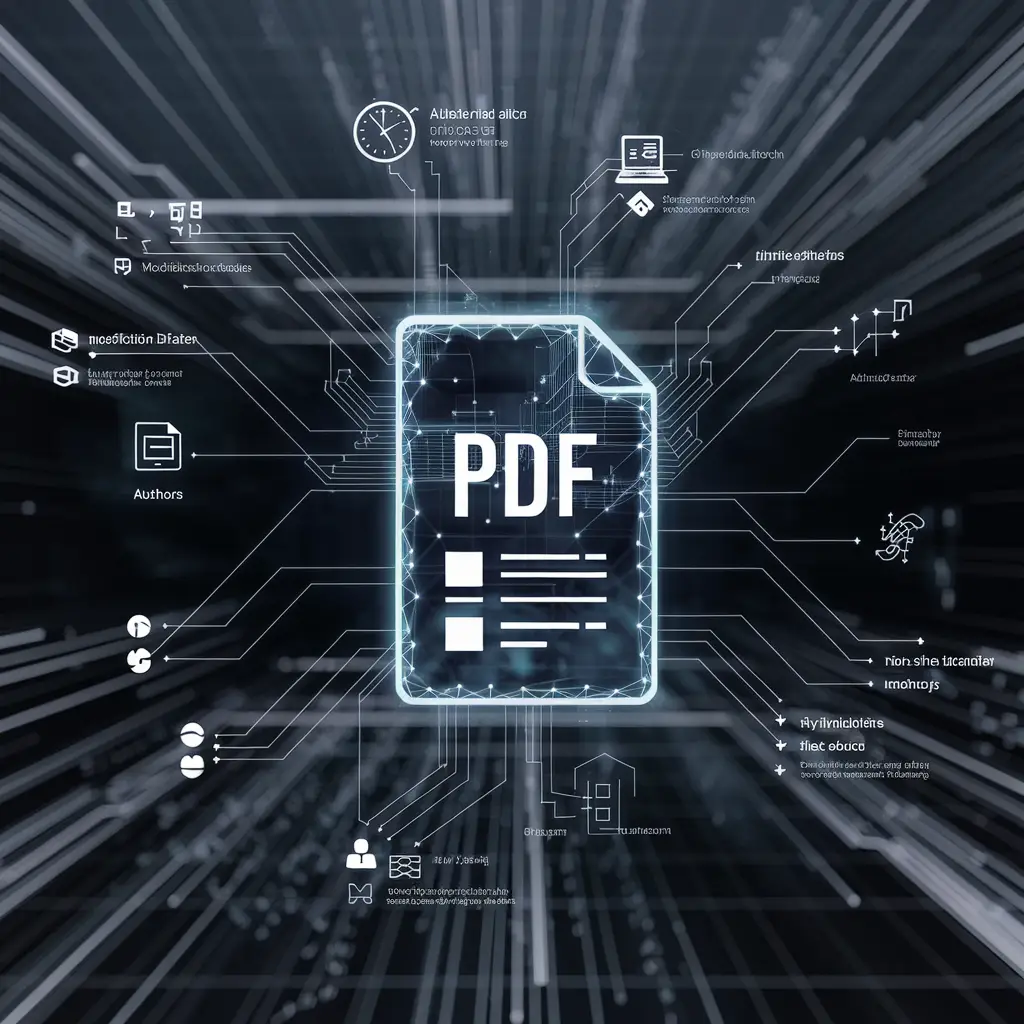
Every PDF carries a hidden layer describing who made it, with what, and when — plus, quite often, the folder it was saved in. Usually harmless. Occasionally the most revealing thing in the file.

Passwords, redaction, metadata, signatures — four different tools for four different problems. Here is which one to reach for, and the mistakes that quietly undo all of them.

Password-protecting a PDF is genuinely worth doing — but the protection is only as strong as the password, and researchers found a way to read encrypted PDFs without cracking anything at all.